
 Australian Dollar
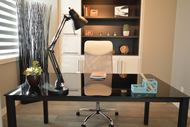
10 Tips for Designing Your Home Office
Posted by Renovator Mate on 05 Oct 2018
If you are among the growing ranks of those working from home, the one thing you are probably interested in is a way in which to set up your home office to increase productivity. While working from home does have its advantages, there are some setbacks that can be easily remedied once you have a workspace created that enables you to work efficiently. Here are 10 tips for designing your home office to help you maximise your productivity.
1. Keep Your Home Office Removed from Distractions
One of the biggest detriments to being productive when working at home is the distractions you may be subjected to. Try to set up your home office in a location that isn’t too near where the family will be interacting and if you have a garden building, a loft or a room in the garage, those might be ideally situated to convert quickly into a home office.

2. Use a Proprietary Computer for Work
Never use your home computer for work. There are a number of reasons why, but the biggest being that it is easiest to safeguard your files and client information if no one has use of your computer but you. Don’t let the kids play online games on your computer and as a matter of fact, you shouldn’t do anything but work-related tasks as well! It’s altogether too easy to get a virus that would compromise your sensitive client files, and that would be a nightmare in the making.

3. Set up Space to Receive Clients or Peers
Most professionals working from home need to meet with clients, sales reps or even peers from time to time. Always ensure that there is a place for clients to sit comfortably when visiting you at your location. You do want to keep this as professional as possible and that would include designing your office with a professional level of appeal and functionality when receiving work-related visitors.
4. Keep Wires Neat and Tidy
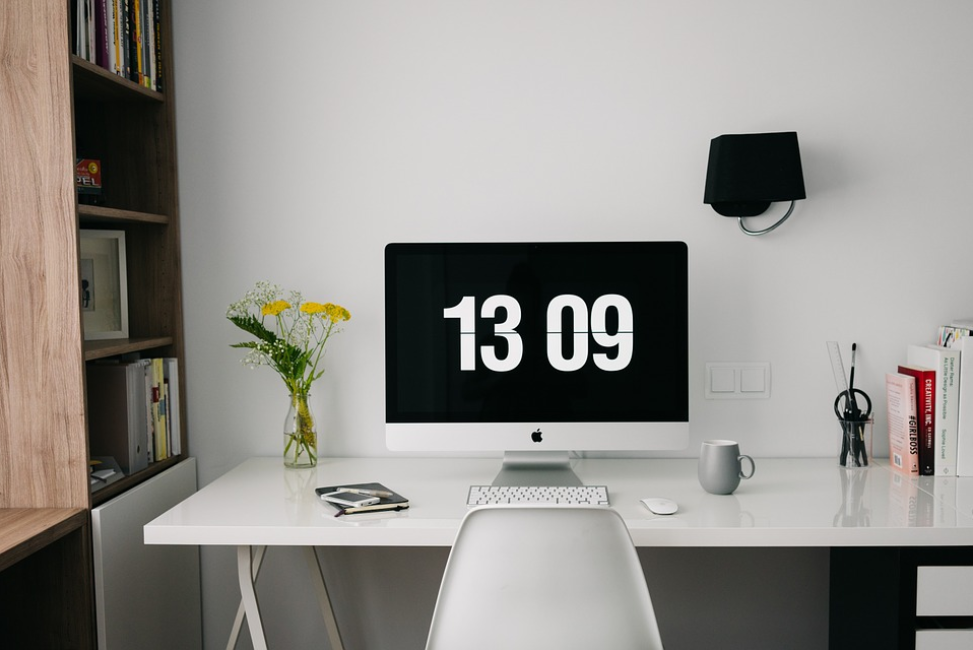
Always ensure that wires are tucked away and/or run in a neat and tidy manner. You don’t want to be tripping over them and nothing is as unappealing as wires running everywhere. Look back at the offices you have worked in and you will see that most have wires hidden from view or neatly bundled together and run along a baseboard.
5. An Ergonomic Chair Is an Absolute Must
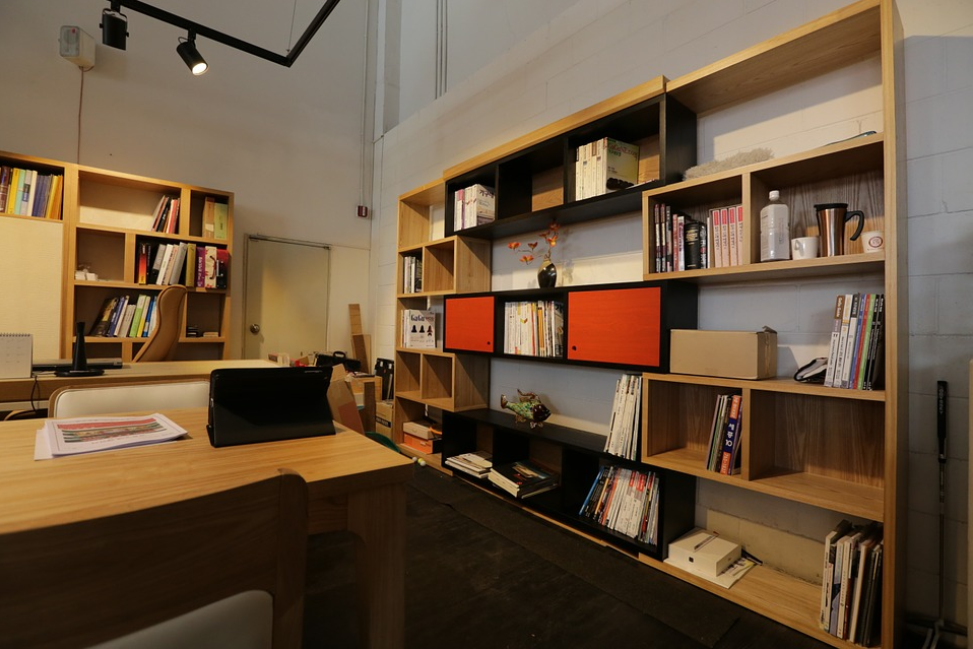
If you will be sitting in front of a computer for long periods of time, it pays to invest in an ergonomic chair. This puts less strain on your back which, in turn, will enable you to focus on working rather than running out for a quick kip on the couch.
6. Invest in a Large Flat Screen Monitor
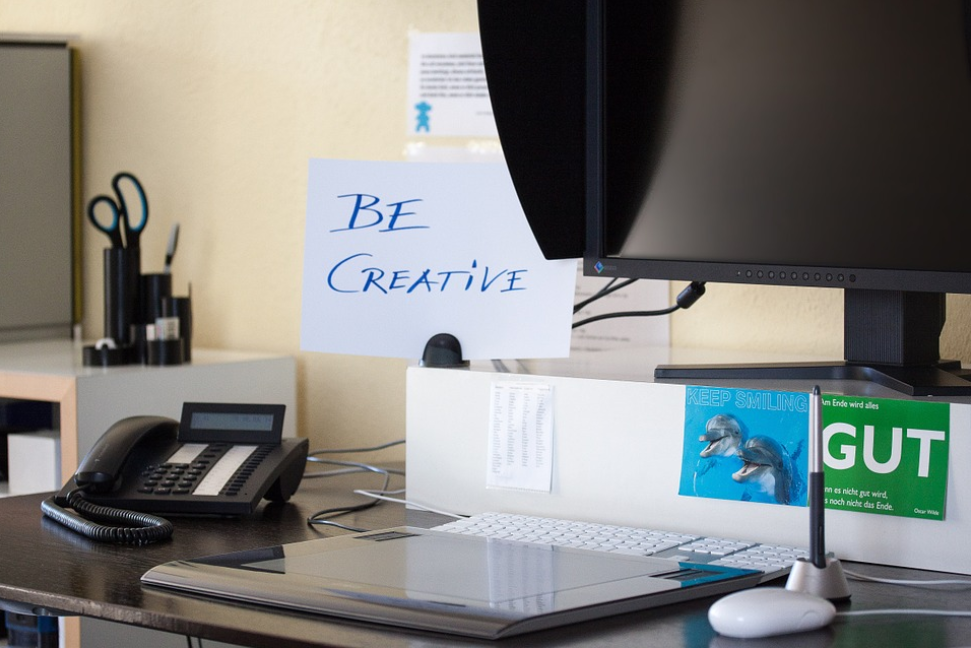
No matter what style of computer you use, always opt for a large screen monitor. This will enable you to have several windows running at the same time so that you can keep multiple files and/or tasks opened simultaneously.

7. Two Desks Are Better than One
Some interior designers advise you to invest in a standing desk. While this is a good idea for those who tend to get drowsy after extended periods sitting at a desk, it wouldn’t be good for someone working from home for eight to ten hours a day. A second desk that allows you to stand for a period of time would be the better choice but an adjustable height desk, if available, would be the best option of all.
8. Use Natural Light as Much as Possible
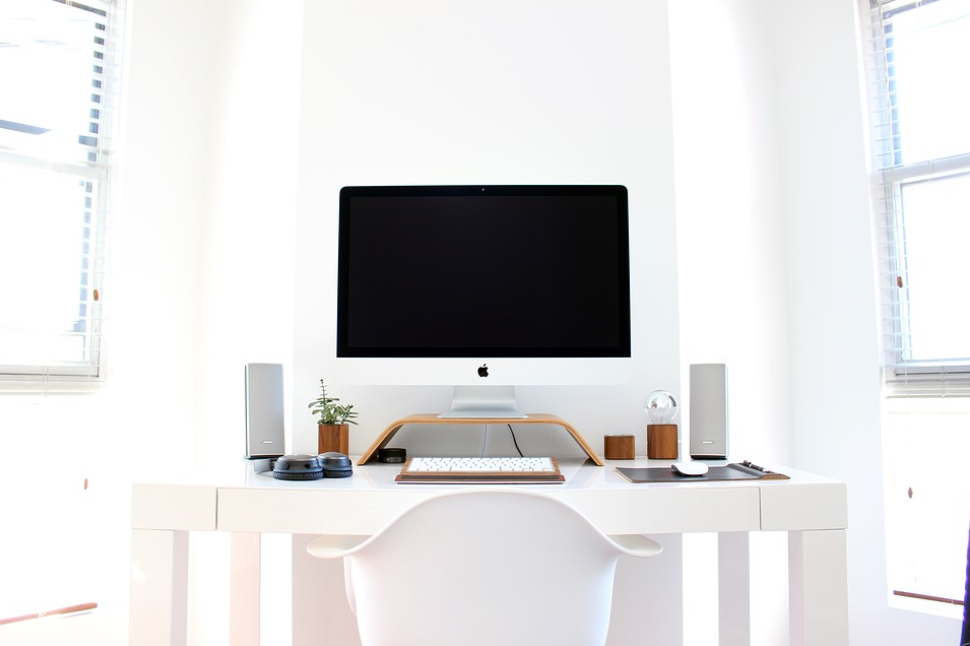
While natural lighting can help reduce your power bill, that isn’t the only reason you would want to take advantage of natural light. The truth is, your vision improves under natural lighting and there is something invigorating about sunlight if it isn’t too overpoweringly bright. Studies have shown that working in natural light increases productivity.

9. Keep Regular Office Hours
While many people claim that working from home enables them to ‘make their own hours’ around their otherwise busy schedule, this could be a serious error in judgement. If you are going to work from home, you need to be no less professional than you would be at a nine to five. This means, keep your hours of operation as regular as possible and this might even include being ‘closed for business’ one or two days a week. Everyone deserves a weekend, don’t they?
10. Never Use Your Home Office for Anything BUT Work
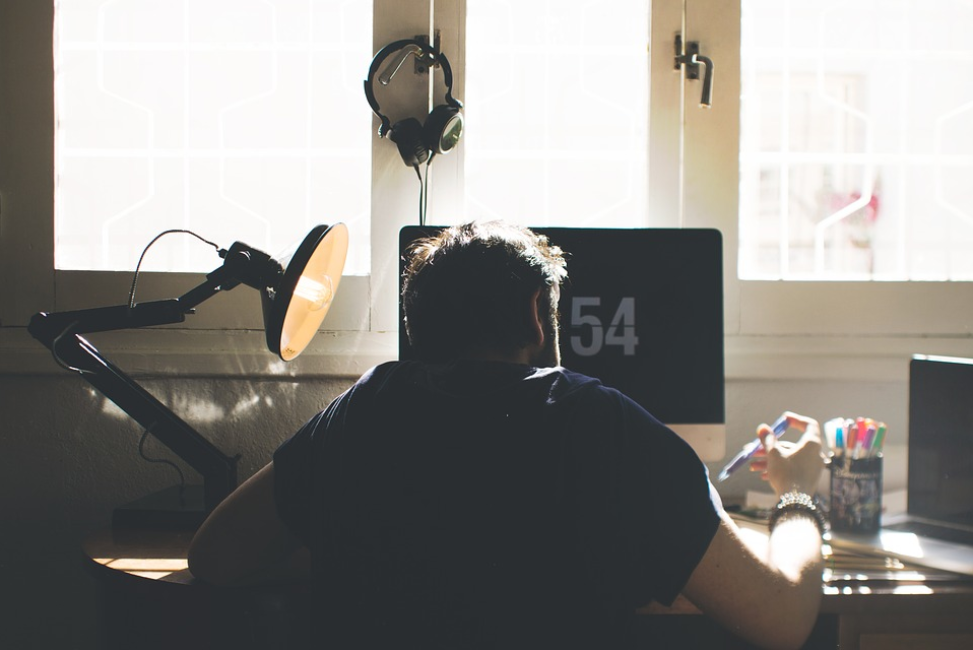
Finally, never use your home office for anything BUT work. If you can’t step into your office with a mindset ready to work, you will be defeating the purpose of having one. After all, you don’t step into your office at a place of employment looking to play an online game of poker or two, do you? Keep work and home tasks as separate as possible to be your most productive when ‘on the job.’
There you have 10 tips for designing and using your home office. If you think of this office as your place of employment and set it up in a way that enables you to work as efficiently as possible, you will find that it really is a joy to work from home!
Author’s Bio
Alex Morrison has been a digital marketer in Melbourne for over 10 years. In this time he has worked with a range of businesses giving him an in-depth understanding of many different industries including printing, graphic and web design. As the owner of Integral Media, he is now utilising his knowledge and experience with his rapidly increasing client portfolio to help them achieve their business goals. Social Profiles: Facebook Google+ Linkedin Twitter